📲 Step 1: Set up your decentralised wallet
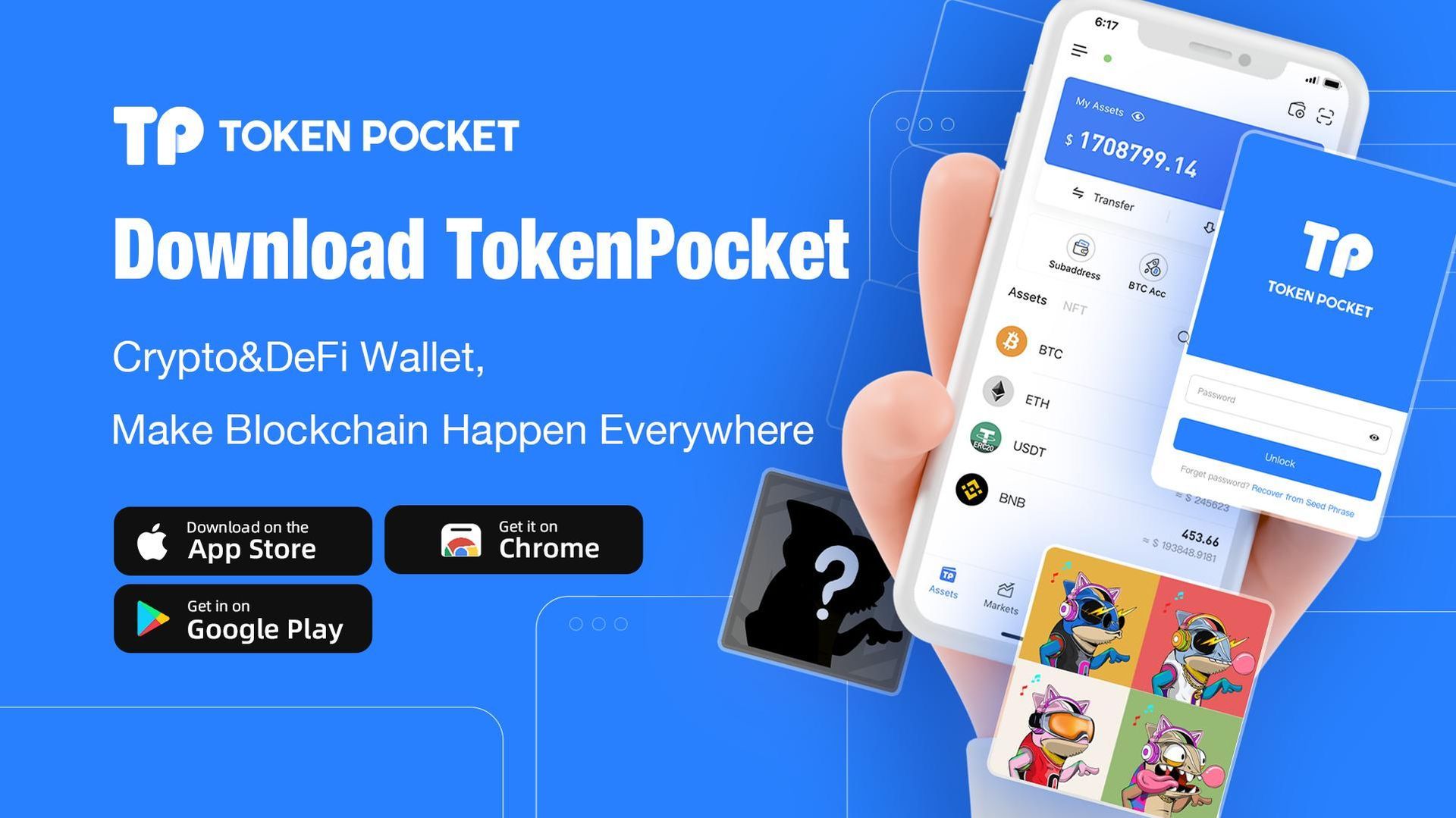
To get started, you’ll need what’s known as a wallet. This is your personal gateway to the world of blockchain.
👉 Download a decentralised wallet such as TokenPocket:
- From the App Store (iPhone)
- Or from the Google Play Store (Android)
Once installed:
- Set up your wallet
- Make sure you keep your login details (seed phrase!) safe. Do not save them on your mobile phone!
- Keep them safe and offline
⚠️ Important: Only you have access to your wallet – don’t lose your details!
🌐 Step 2: Access via the Web3 browser
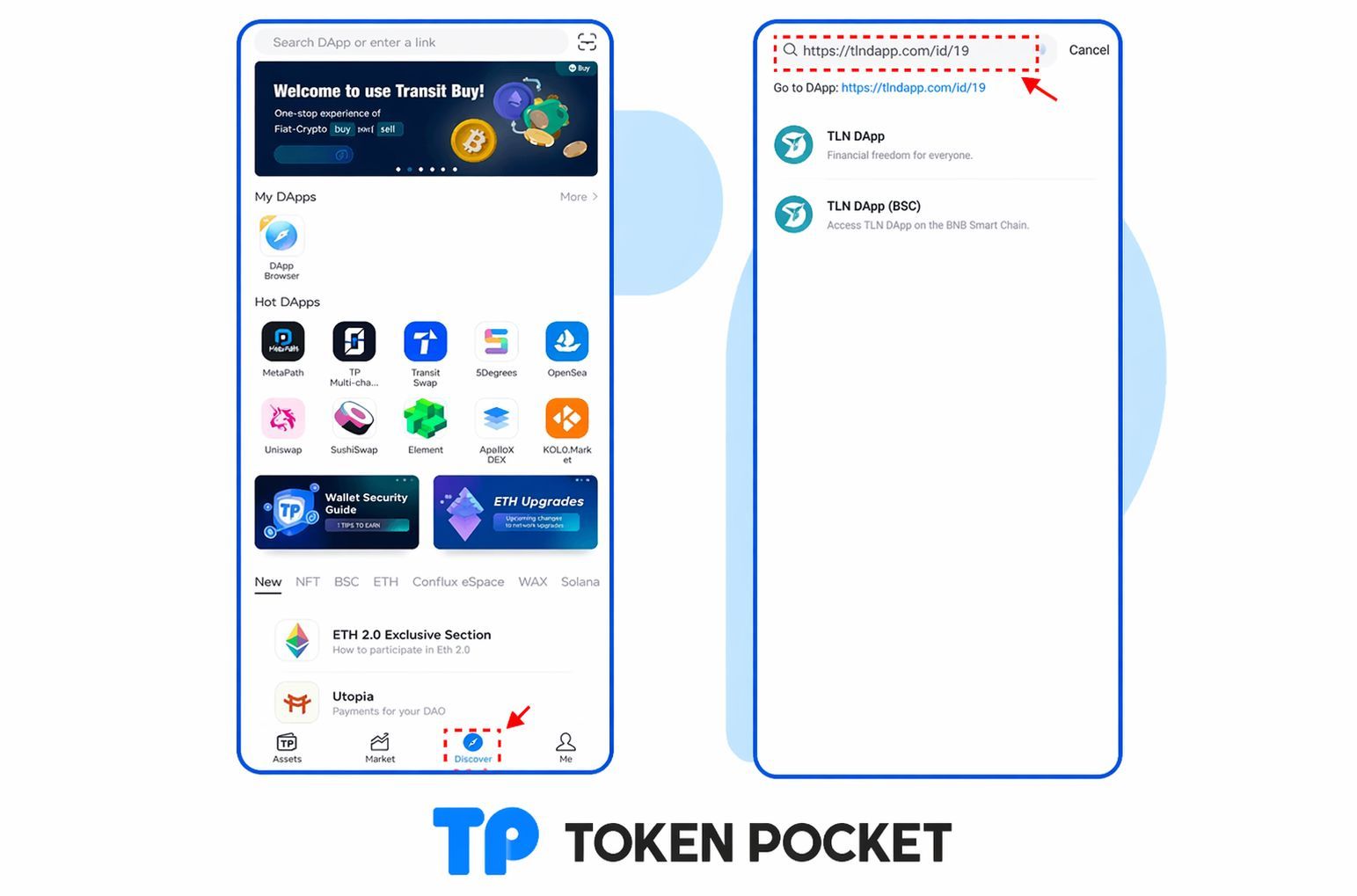
Many wallets, such as TokenPocket, have a built-in Web3 browser.
This allows you to access decentralised applications directly.
👉 Open the Web3 browser in your wallet and paste the following link:
👉 https://tlndapp.com/id/19
🚀 Step 3: Connect & get started
Once you’ve opened the page in your Web3 browser:
- Connect your wallet to the application
- Follow the instructions within the platform
- Get started with decentralised finance
💡 Your first step into the future
With these few simple steps, you’ve opened the door to a whole new world of finance:
- No traditional banks
- No unnecessary middlemen
- Full control over your own capital
▶️ Now it's your turn
Put these steps into practice straight away and see for yourself how easy it is to get started.
If you have any questions or need help, stick with it – the next step is already waiting for you.